Speak Naturally
Record short fragments from your day, your childhood, or any memory as it comes.
LifeStory Biographer
Capture moments as quick voice notes and let the app continuously build a living life story timeline, chapter by chapter.
Record short fragments from your day, your childhood, or any memory as it comes.
Transcripts become events, people, places, themes, and uncertainty-aware facts.
Generate chapter drafts and full autobiographies in a warm, candid narrative voice.
GSAP Story Walkthrough
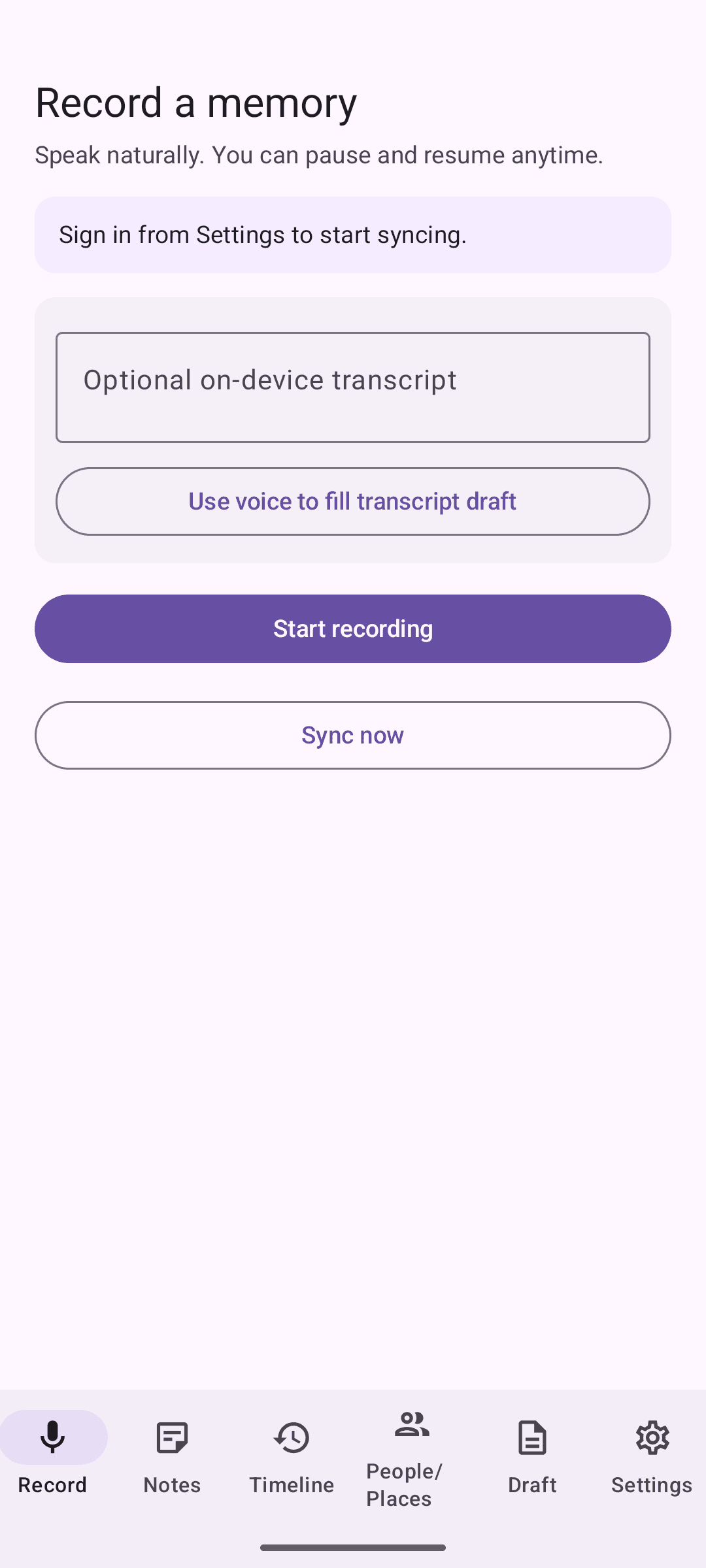
Step 1
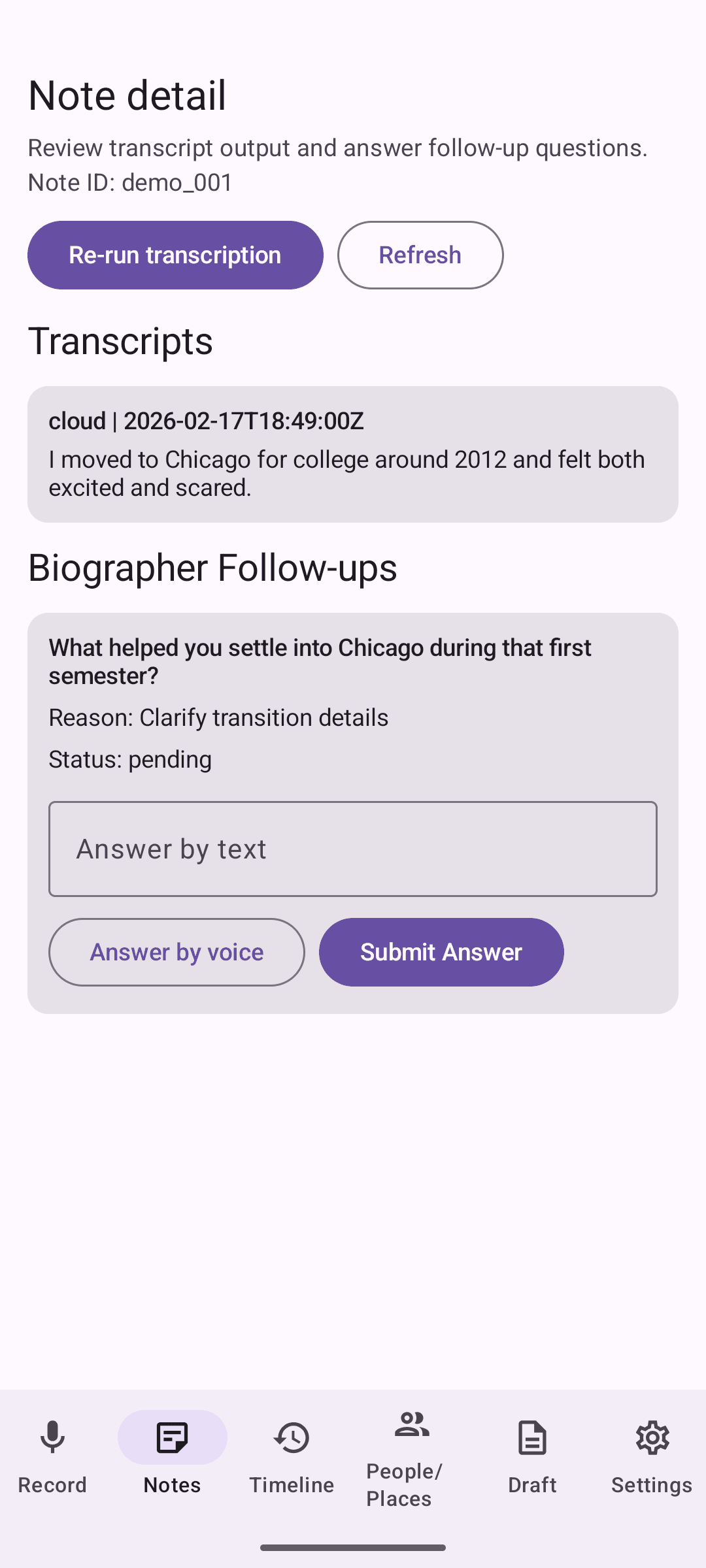
Step 2
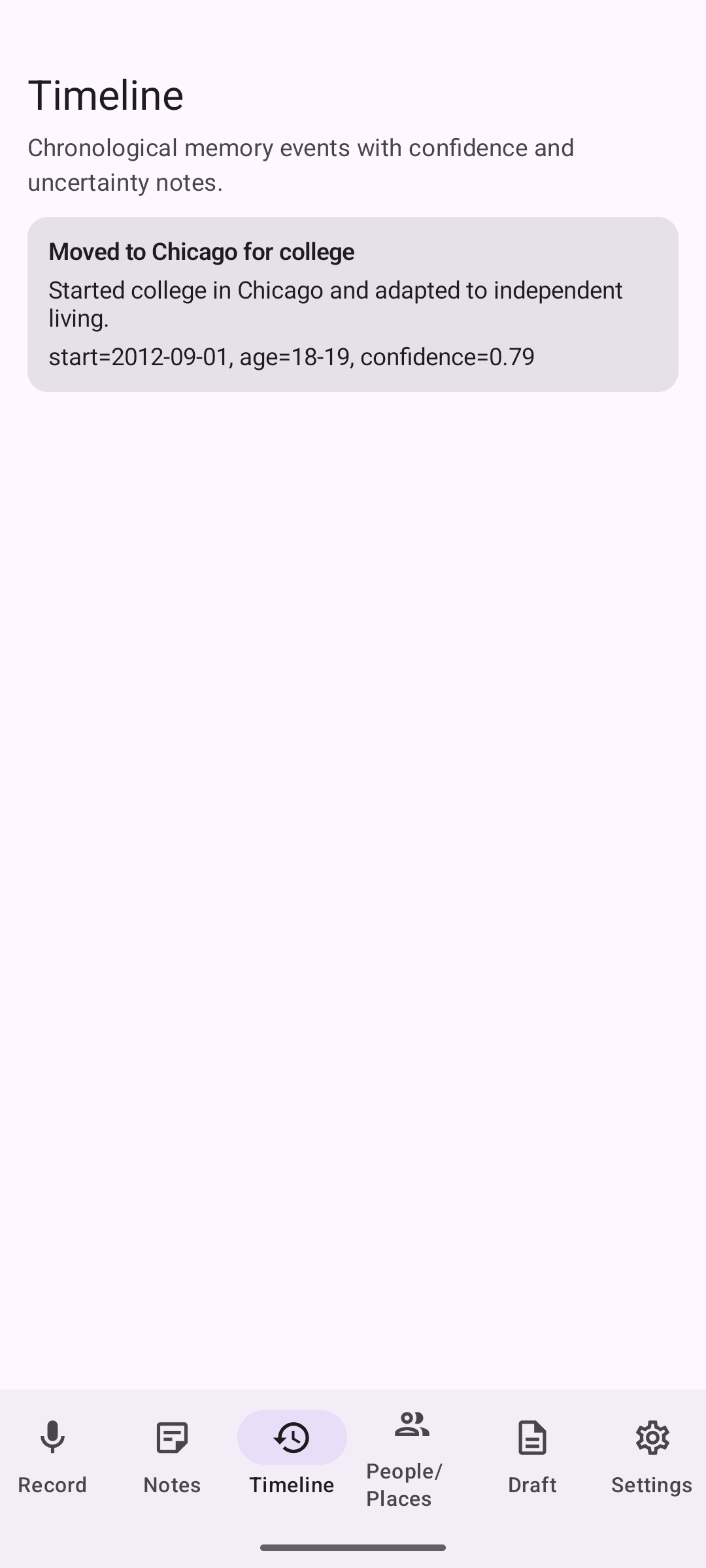
Step 3
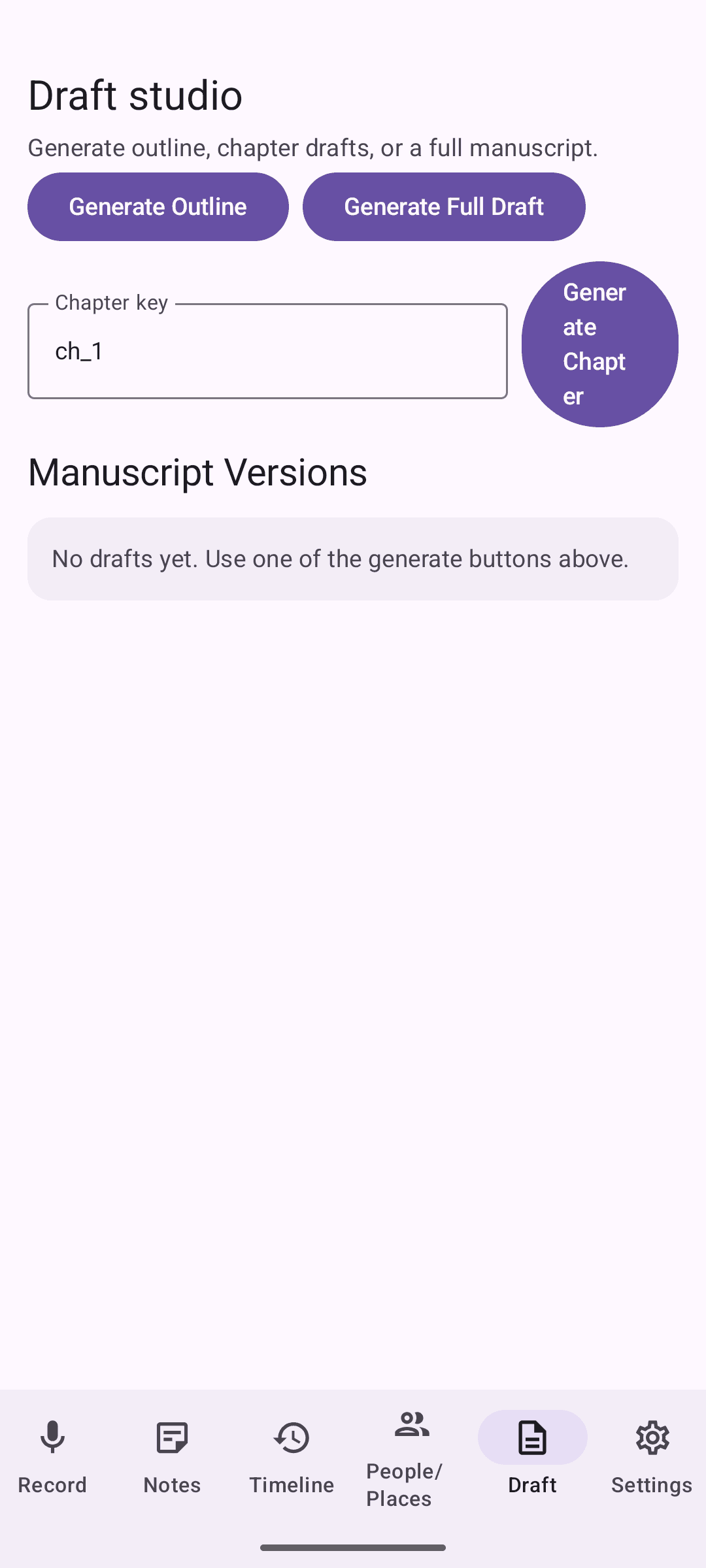
Step 4
Tap once to start, pause when needed, and keep talking in fragments. Notes are saved with time, duration, and locale metadata.
Each recording is transcribed and normalized so the story pipeline works with clean text while preserving original phrasing.
The app identifies people, places, events, emotions, and uncertainty. Every claim links back to supporting transcript snippets.
Memories are merged chronologically, contradictions are flagged, and chapters are generated in a reflective, grounded voice.